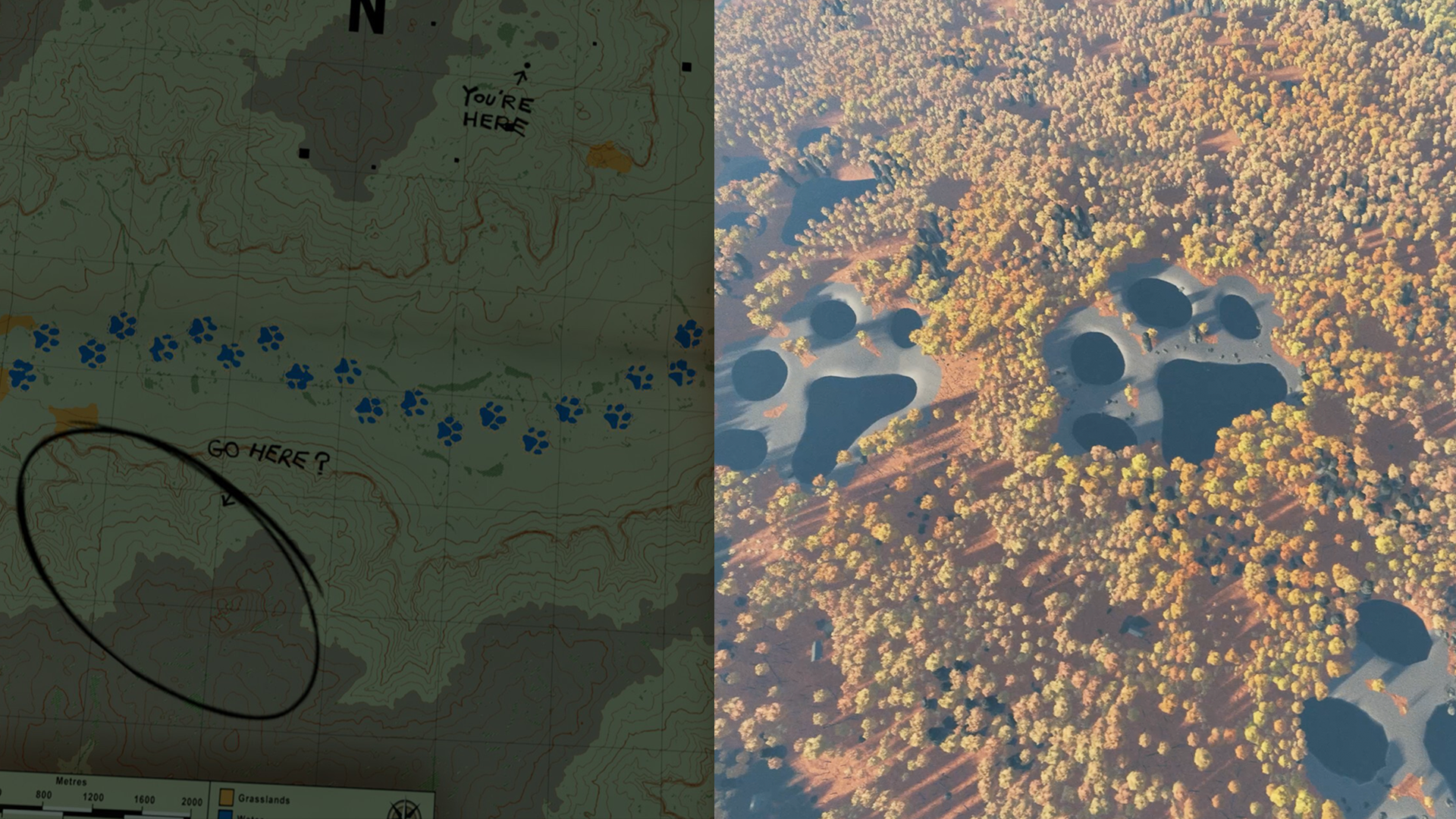
In many of our blogs, social posts, and Discord messages, you come across terms like seed, schematic, or machine learning in terrain generation. We acknowledge that these concepts may sound confusing at times, so we decided to put together this blog to explain what they actually mean and how, when combined, they generate the beautiful maps you enjoy playing.

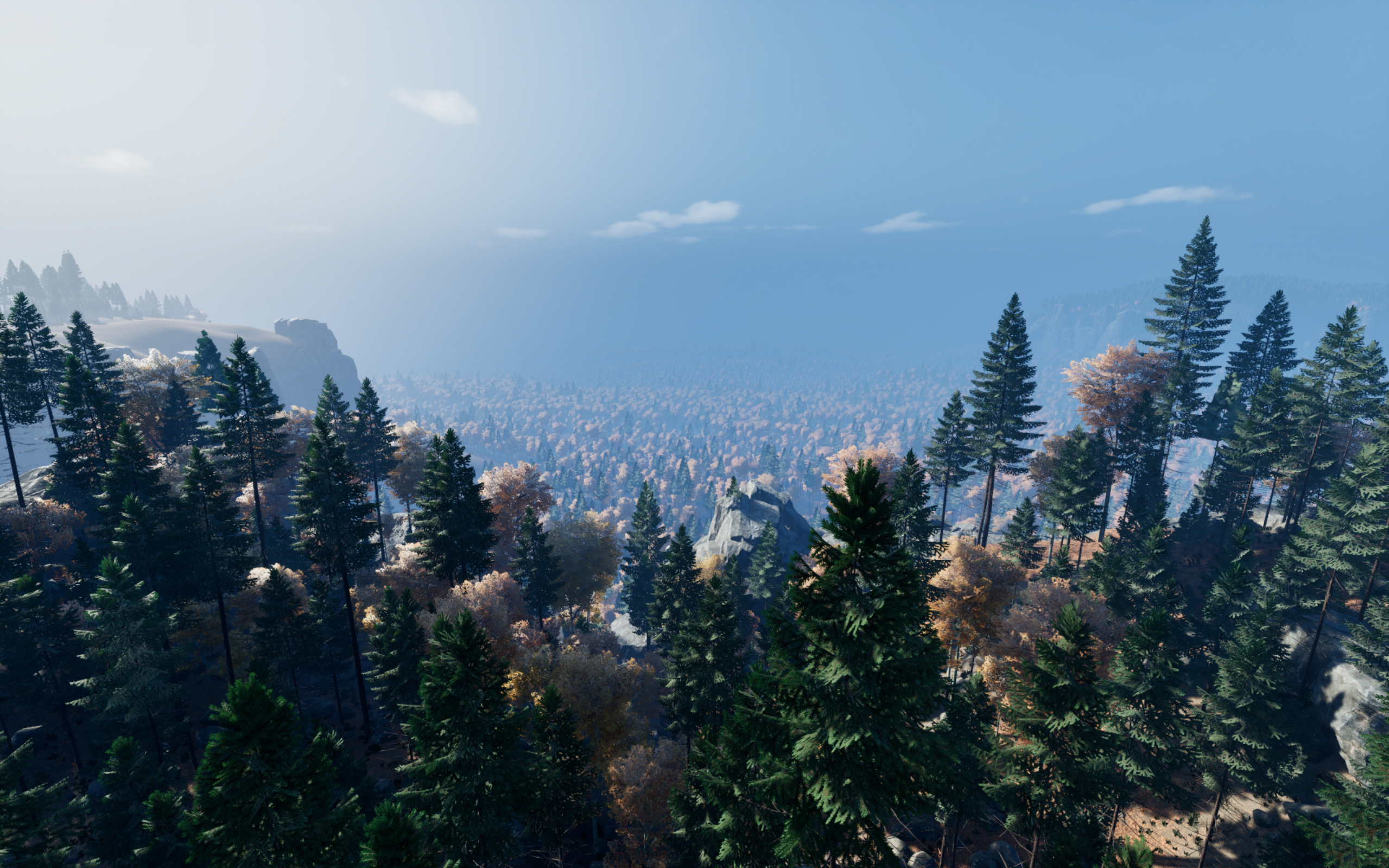
Image captured by Scott
What Is a Seed Number?
A seed is just a number we use as the starting point for generation. Think of it like a “recipe code” for a world: if two people use the same seed (and the same settings/content version), they’ll get the same terrain.
In Prologue, our terrain generation uses a 32-bit signed integer as the seed. We only use positive values, which gives 2,147,483,648 possible seeds/maps. The important part isn’t the math flex, it’s what it enables:
Repeatability: the seed lets us regenerate the exact same world every time.
Shareability: if you find a great seed, you can share it and other players can play the same world.
Fair comparisons: it’s a clean way to compare runs, routes, and survival stories on identical terrain.
(One practical note: if we change the generation model or some generation settings between versions, the same seed may produce a different result because the “recipe book” changed even though the “recipe code” stayed the same.)

Image captured by Scott
What Is a Schematic?
A schematic is a guiding input for terrain generation. Instead of telling the system “make me any world,” a schematic tells it “make me a world shaped roughly like this.”
Right now, our schematics are primarily river guides: hand-drawn river layouts or sourced river images. Rivers aren’t just decoration they strongly influence how real landscapes form, because water flow and erosion carve valleys, basins, and drainage networks over time. So by defining where rivers should run, we’re indirectly defining a lot about the terrain’s structure.
You can think of a schematic as:
A constraint: “put drainage here, not there.”
A composition tool: “I want a long main river with branching tributaries,” or “I want multiple basins.”
A way to steer variety: two seeds with the same schematic will still produce different worlds, but they’ll share a recognizable “theme” or “layout logic.”
At the moment, because the river schematics are hand-authored or sourced, we have a limited library of them. That’s why we’re building an ML model to generate billions of new river schematic so the inputs themselves become massively diverse, which multiplies how different the resulting worlds can look and feel.


What Does ML Do for Terrain Generation?
There’s been a long miscommunication around our work: people often mix up procedural generation and machine learning because both can create endless variation. The difference is how the terrain is made.
In Prologue, machine learning is used to generate the terrain heightmap the actual shape of the land (mountains, valleys, basins, slopes) in a way that looks and “behaves” like real landscapes.
It does this by taking two key inputs:
A seed (so the result is repeatable and shareable)
A schematic (currently river drawings/images) that acts like a guide, telling the model where erosion and drainage should form
The ML model then produces a unique heightmap that follows the schematic, creating believable large-scale landforms that would be hard to hand-author with traditional rules alone. After that, more traditional procedural systems can place forests, props, and other world details on top of the generated terrain.
What Happens in Unreal Engine?
Unreal Engine 5 has incredible world-building tools, but they’re mostly designed around a traditional workflow: artists and designers build a world in the editor, then you ship that world as part of the game. In Prologue we flip that around. We ship a relatively small set of reusable “world ingredients” (systems + tiles + assets), and then generate the actual playable map at runtime on the player’s machine. That’s how we can offer billions of possible maps while keeping the install size small.
In practice, UE is where the generated terrain becomes a game world:
Step 1: Import the ML terrain result into UE
The ML model outputs a terrain heightmap (and supporting masks like river information), and UE uses that as the foundation for the level. In our guided generation workflow, the “heightmap and river mask” then become inputs for downstream world-building work.Step 2: Procedural world population (PCG) on top of the heightmap
After the terrain exists, we use procedural systems to populate the world with artist-authored assets. Forests, biome dressing, and other set dressing are placed and adapted to the ML-generated terrain.Step 3: A tile-based world structure for art direction + performance
A key part of making this manageable (and shippable) is structuring the world into pre-authored tiles / prefabs that can be spawned and blended. This gives direct art control (tiles can be adjusted like normal level art), while still letting procedural systems add variation on top. It also lets us manage biome/spawn data at the tile level (density, species mixes, etc.) and propagate that down into instances.Step 4: GPU-friendly tricks for scale (Niagara + PCG layering)
Dense forests are expensive, so we combine techniques. For distant trees, we use particle-based approximations and built a prototype “in PCG, entirely in Niagara (UE’s particle system) that could run completely on the GPU.” Then up close, a layered PCG system generates detail where it matters most.
For a simplified linear step by step explanation of what we do see below:
Pick Random Seed
Use seed to pick river schematic from the built-in list
Generate terrain based on river schematic and seed
Place BMT (barren mountain top)
Generate biomes
Place weather tower and starter cabin
Place the rest of the cabins
Place shelters around cabins
Place terrain tiles


Image captured by Scott
What Is Shared When You Share a Seed Number, and What Is Not?
When you share a seed, you’re sharing the “recipe code” the game uses to rebuild a world. If another player uses the same seed (and the same game version/settings), they should get the same map and a very similar overall experience because our systems are initialized at the start of a run and are designed to be deterministic.
What is shared (what should match):
With the same seed, players should see:
The same terrain shape: the same mountains, valleys, slopes, and overall landforms.
The same river layout / drainage structure (based on the schematic + seed).
The same major world setup produced by our deterministic generation systems at the start of the run:
biome/vegetation layout and broad-density patterns
placement logic for key world dressing that’s part of generation (within the same rules/content set)
any other “generated-at-start” systems that use the seed as their random source
In plain terms: same seed = same world.
What is not shared (or may not match perfectly):
Even with the same seed, a few things can differ depending on circumstances:
Game version / generation changes: if we update the terrain model, schematics, generation rules, or content libraries, the same seed might produce a slightly different result (same “code,” different “recipe book”).
Player choices and simulation: what happens during the run: your route, decisions, risk-taking, and timing obviously won’t match unless you play the same way.
Non-seeded runtime variation (if any exists): if any system uses real-world time, network state, hardware-dependent behavior, or a random source not tied to the seed, it could introduce small differences. The intention is to avoid this for world generation, but this is the category where “weird edge cases” live.
Performance-driven representation: the world should be functionally the same, but how it’s rendered can vary (LOD, foliage density at distance, streaming timing) depending on hardware and settings. That’s visuals and performance, not the underlying map.
The promise we’re aiming for:
When you share a seed, you’re sharing a reproducible world: same terrain + same river layout + the same generated starting conditions. The run itself is still yours to write same stage, different survival story.
We hope you now have a better understanding of how worlds are generated in Go Wayback! and that these terms sound more familiar. If you have any questions, please don’t hesitate to give us a ping on Discord, as always!